
Card payments straight into your travel budget
Paid by card? On Android, Tervaya reads the notification a listed bank or wallet app shows. On the iPhone, an automation in Shortcuts hands over each Apple Pay payment at a till. Either way the payment waits on your trip, filled in, and one tap logs it.

On Android
- Tervaya › Settings › Card payments › Allow in Android settings
- Tervaya in the list › Allow notification access › Allow
Back in Tervaya, card payments say On.
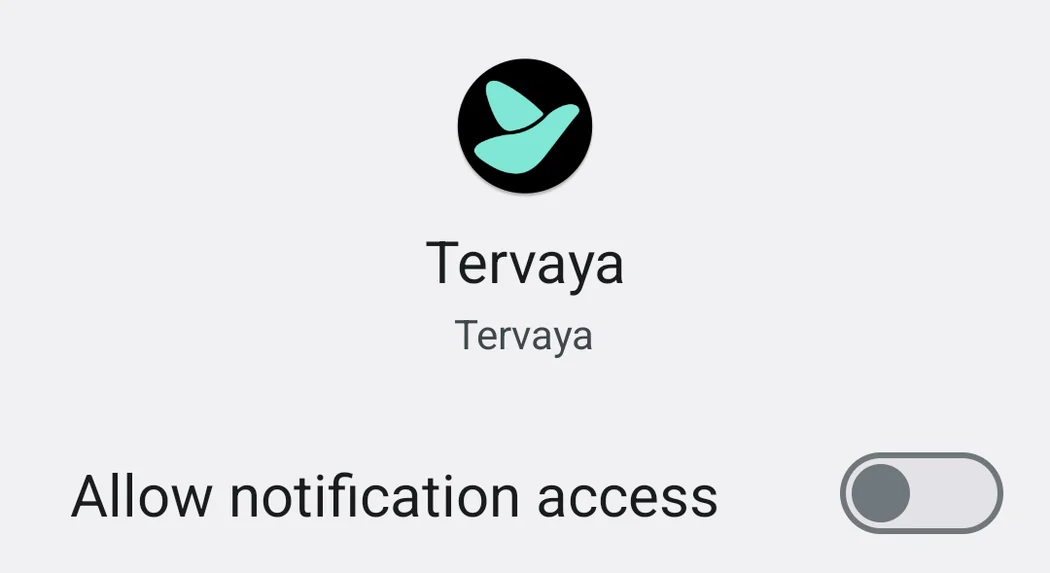
Nothing arrives? Then turn on the notification for card payments in your bank app.
Is the card payments row missing? Then Tervaya does not know your bank app yet. Write to us which one it is.
Which banks
We have checked Tervaya against real notifications in English and German from C24, ING Germany, N26, Revolut, Wise, Google Wallet, Sparkasse, George, Monzo and Klarna.
Some banks send a notification only once you turn it on in their app.
- At Sparkasse, set up a Kartenwecker or an Umsatzwecker under Profil › Benachrichtigungen › Kontowecker, or in online banking.
- At ING Germany, turn on notifications with details in the app’s settings.
- At DKB, turn on Profil › App-Einstellungen › Mitteilungen für Karten.
- At a Volksbank, tap the bell, then girocard, and turn on Detailanzeige.
Your bank is not among them? Then we have not seen its notifications yet. If Tervaya knows your bank app, a card payment can wait for you all the same, as long as its notification names the amount.
Send us one as a screenshot, your details blacked out, and we teach Tervaya to read it. Write to us ›
What Tervaya reads
What is read. The notifications of listed bank and wallet apps. Those that name an amount are held on this phone until you next open Tervaya. Then Tervaya keeps only the amount, currency, merchant and time of a card payment made while a trip runs. The rest is dropped.
Nothing else. Android lets Tervaya see every notification. Tervaya passes over all other apps and keeps nothing of them.
Where it stays. On this phone. Until you add a payment, only its merchant's name goes out, and only if you search for its place by that name.
Turning it off. Any time in Android's settings, under notification access.
On the iPhone
Pay with Apple Pay at the till while you travel, and the payment waits for you in Tervaya, filled in.
On iOS 27
- In Shortcuts, open “Automation”, tap “+” and then “Edit”.
- Under “Automation”, choose “Wallet”. “Any Card” and the switch “Automation” stay as they are.
- Search for Tervaya and add the action “Hold a Payment”.
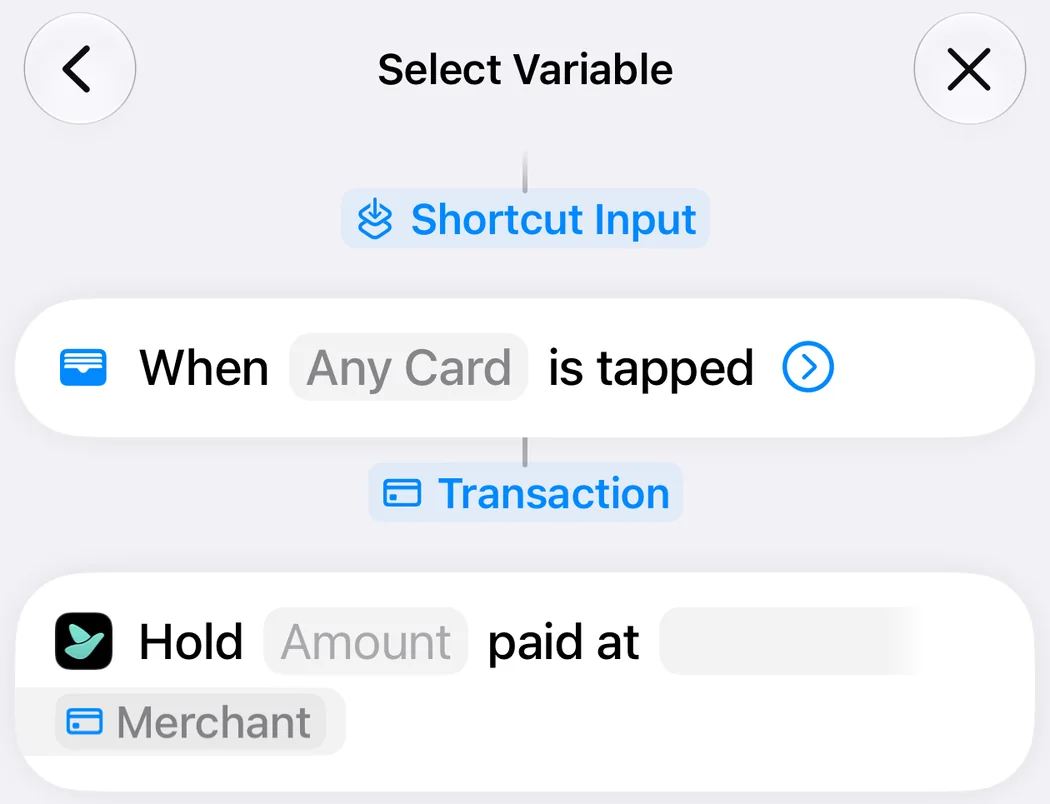
- Tap “Amount”, then “Select Variable” and “Transaction”. Tap “Transaction” once more and pick “Amount”. Do the same for “Merchant”.
On iOS 26
- In Shortcuts, tap “Automation”, then “+”, and choose “Wallet”. Select all your cards and “Run Immediately”, then tap “Next”.
- Tap “Create New Shortcut” and add Tervaya’s action “Hold a Payment”.
- Tap “Amount”, choose “Shortcut Input”, tap it once more and pick “Amount”. Do the same for “Merchant”.
Nothing arrives? Allow mobile data under Settings, Apps, Wallet.
What Tervaya reads
What is read. The amount and the merchant of a payment at a till, with its time. They wait on this phone until you next open Tervaya, which keeps them only for a payment made while a trip runs.
Nothing else. Tervaya sees only what your automation hands over.
Where it stays. On this phone, until you add it as an expense. Before that, only its merchant's name goes out, and only if you search for the payment's place by that name. Until you delete all data, Tervaya also remembers when the action last ran, to show it in Settings, and sends that nowhere.
Turning it off. Switch off the automation in Shortcuts, or delete it.
Free to try
Without Pro, card payments wait on the first trip they arrive on, for 30 days from the first payment. With Pro they wait on every trip.
Found a mistake? Write to us ›
Try it on your next trip.